Your AI, your Desk workspace
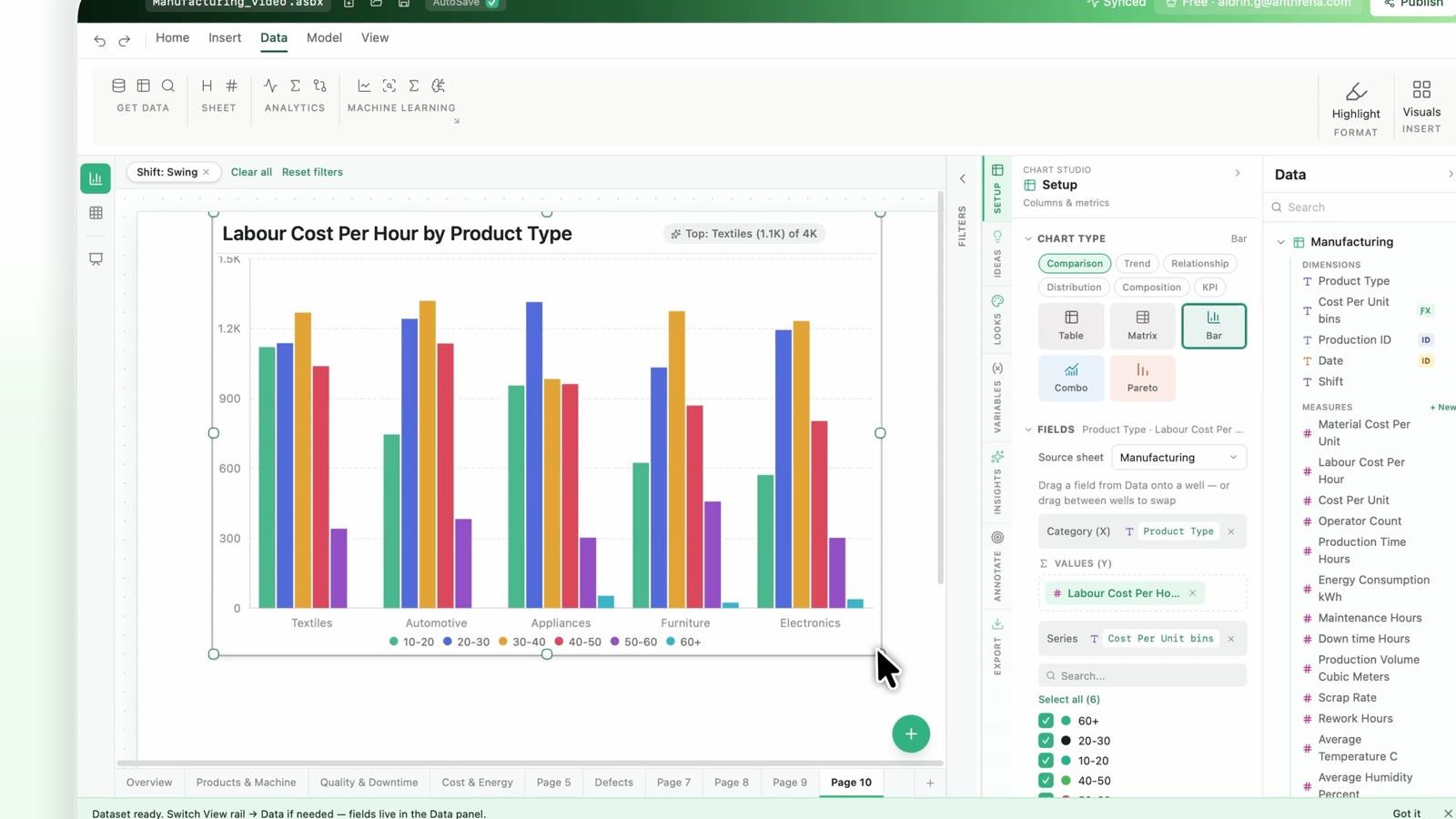
Ask Claude to load a dataset, profile columns and build charts. Answers and visuals land on the Desk canvas, not in a pasted screenshot.
Anthrena MCP server
Your data lives in Desk. Your team's questions increasingly start in Claude. The Anthrena MCP server connects the two, so your AI can build charts, measures and dashboards in your workbook.
Free to start. Local-first. Works with any MCP client.
Why Anthrena MCP
Ask Claude to load a dataset, profile columns and build charts. Answers and visuals land on the Desk canvas, not in a pasted screenshot.
Datasets, column types, measures and filters travel with every request, so the model works with your data's structure instead of guessing.
Desk runs on your machine. Workbook contents stay on your device and are not uploaded to Anthrena.
Everything the AI builds saves into your .asbx workbook: sheets, pages and charts you can reopen and edit by hand.
How it connects
Copying numbers into a chat loses context the moment you paste. Building a custom pipeline for every AI tool becomes a project you own forever. Anthrena MCP gives your AI tools one consistent way in.
Your team asks a question in the AI tool they already use.
A single governed connection that exposes Desk's tools to the client.
Loads data, builds visuals and saves everything to your .asbx workbook.
What you can do
Describe, summarize and profile any column in plain language before you build anything.
“Which regions are driving the margin drop this quarter?”
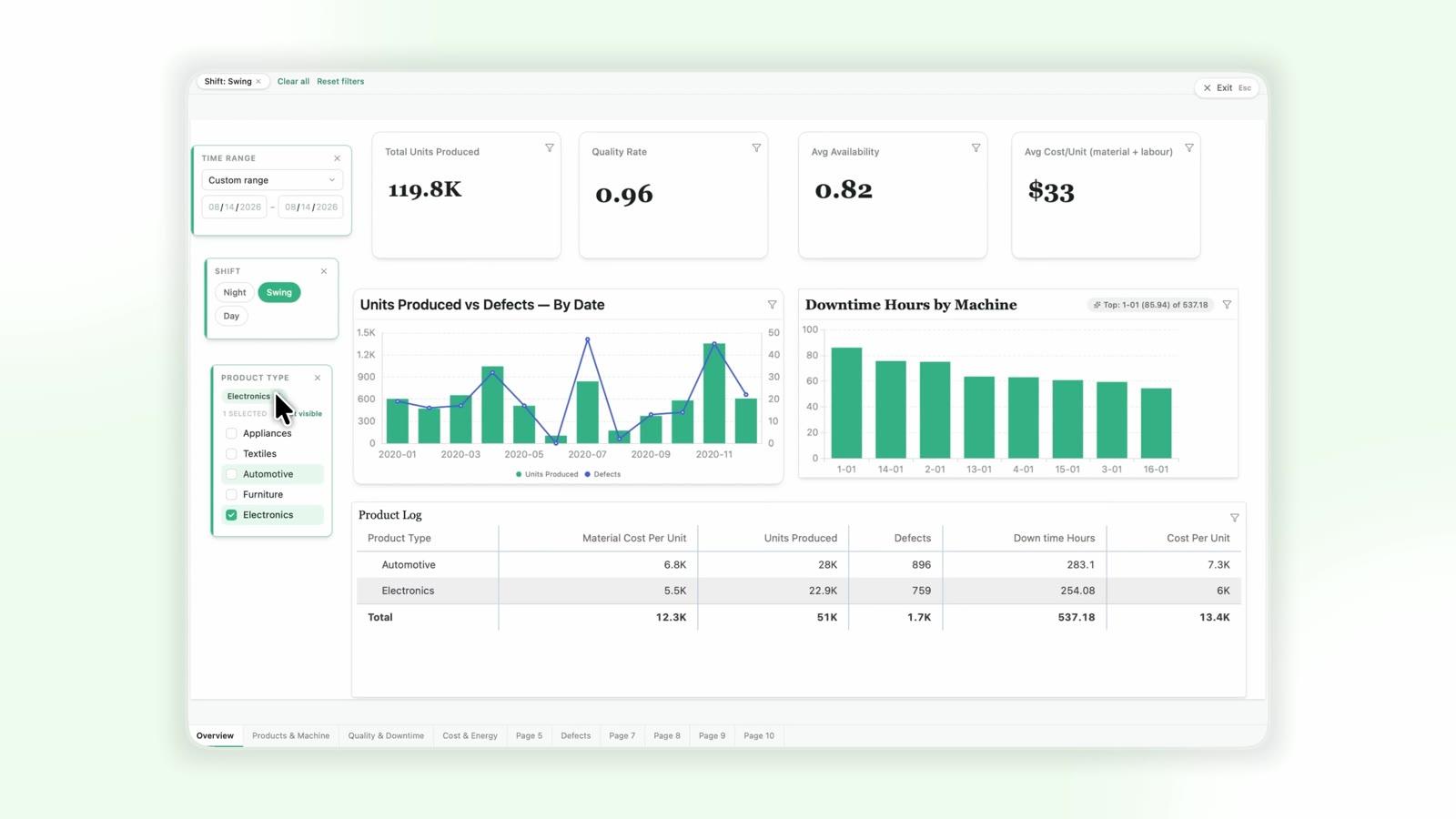
Get chart suggestions and place tiles with the layout checked for you.
“Chart revenue by product line, with a filter for region.”
Define KPIs and ratios as measures, then reuse them across tiles.
“Add a year-to-date revenue measure.”
Create pages, add filters and narrative, tidy the layout and validate before sharing.
“Turn this sheet into a one-page sales overview.”
List connections and tables, import a query, and work with live data.
“Import last month's orders from the Postgres connection.”
Pull a Desk workbook alongside a database table or a second file, and have your AI write variance commentary across both in one conversation.
“Compare this budget sheet with actuals from the database and explain the gaps.”
Ask in Claude and your AI reads the workbook you already have, then reasons over it in seconds.
“Find my Q3 OpEx sheet and summarize where we're over plan.”
Power users already have prompts and workflows in Claude. MCP points them at live Desk workbooks instead of a stale export.
“Run our monthly variance prompt on this workbook.”
Forecasting, regression, Solver and the canvas run inside Desk, on your device. MCP widens the front door; Desk does the deep work.
“Forecast next quarter, then open it in Desk to refine.”
Save the workbook and export a deck once the story is right.
“Save this as a workbook and export a deck.”
Trust & Security
The local-first model you rely on in Desk applies to every MCP request.
The client can only call the Desk tools the server exposes. Nothing else on your machine is reachable.
Your workbook, connections and credentials remain on your device under your existing setup.
Every change appears on the Desk canvas, so you can review, edit or undo it.
Get connected
Download Desk for Mac, Windows or Linux and open or create a workbook. Free to start, no account needed.
In Claude, open Settings → Connectors and add Anthrena Desk. Other MCP clients can add the Anthrena MCP server through their own connector or server settings.
Review the tools the connector exposes and allow the ones you want. You can revoke access at any time.
Try “Load my sales file and show revenue by region.” Charts appear on your Desk canvas, ready to edit.
A little more clarity
Any client that supports the open Model Context Protocol. Claude is the first-class path today; other MCP clients can connect the same way. Your team keeps using the tool they already work in. MCP is the connection, not another interface to learn.
It builds in your Desk workbook: pages, charts, measures and filters, all visible on the canvas for review. Database connectors in Desk run SELECT-only queries, so nothing is written back to your source database.
No. The server runs on your machine and works with the workbooks and connections you have opened under your own access. It adds no access of its own.
Anthrena never uses your data to train its own AI, and workbook contents are not uploaded to Anthrena. When you use MCP, your data flows into your own AI workspace, governed by whatever agreement you already have with that provider.
Desk's built-in tools, such as Axon forecasting and Solver, run inside the app on your device. MCP lets the AI tool your team already uses drive Desk. It is a front door; Desk does the deep work.
Model Context Protocol is an open standard that lets AI tools call external tools and data sources through one consistent interface.
No. You ask in natural language; the AI calls Desk's tools for you.
Into your Desk workbook (.asbx). Open it in Desk, or share it and view it in the Desk Viewer.
Desk is free to start. Database connectors and PDF/PowerPoint export are part of Pro. See Desk pricing.
Your next move starts here
Install Desk, connect your AI client, and ask your first question.
Download Anthrena Desk